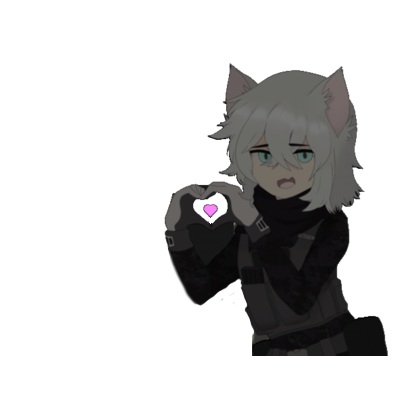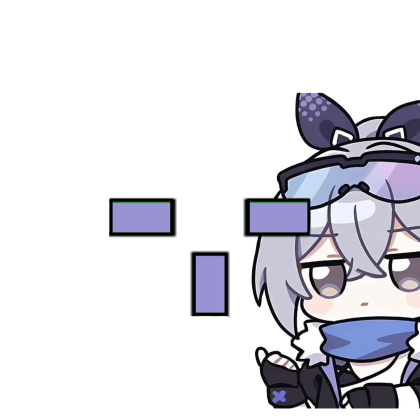
violet sidekick
Turn your in-game marker into something that actually fits your style. Twenty-two handcrafted designs — from pastel kitties to sharp minimal rings — ready to drop into any Roblox game, including MM2.
No auto-aimVisual only, always
22 presetsPastel to minimal
Full controlSize · glow · opacity
EpicTools keeps the useful stuff simple and gives you room to make the visual side truly yours.
Pixel kitties, tiny hearts, ribbons, paws, anime companions, or a clean monochrome ring. Each design stays readable without covering the action.
View all 22 designsviolet sidekick

bow kitty

heart lock

mono halo
A focused overlay that stays smooth while Roblox keeps the full stage.
No auto-aim, no movement changes, no game-file edits. Just visuals.
Play with size, opacity, contrast, and glow until the mark feels just right.
Tap any design in the strip below to preview it on the mirror.
Everything's already packed in the ZIP. Open your browser's extension page, flip on Developer mode, and drop the file in — that's it.
Grab the ZIPDownload EpicTools-Extension.zip. Everything's already inside.
Type chrome://extensions in the address bar.
Flip the switch in the top-right corner.
Drag EpicTools-Extension.zip straight onto the page.
Pin EpicTools, choose a design, then jump into Roblox or MM2.
Quick notes from Roblox and MM2 players who've tried EpicTools.
"fast setup, works like a charm"
@Yumiwolf31Roblox player · five stars
"downloaded once,
never looked back"
@hatediarysRoblox player · five stars
"the heart one is
unreal, no cap"
@CracksWack125MM2 player · five stars
"clean, simple,
does what i wanted"
@strungbylightRoblox player · five stars